

Winter '27's MCP Risk Scores are the security feature I'd turn on first
Salesforce Security Center now scores every third-party MCP server Low, Medium or High and can block the dangerous ones. If your agents connect outside tools, this is the control to set before you add more skills.
Winter '27 is full of developer and agent features, and most of the launch posts lead with speed. On 13 October Salesforce published its platform round-up for the release, and one item jumped out at me as an architect who connects Salesforce to other systems for a living: MCP Risk Scores in Security Center.
If you are wiring Agentforce or headless agents to third-party tools over Model Context Protocol, this is the control I would configure before I celebrated any of the new skills.
What MCP Risk Scores actually do
Salesforce's platform post is direct about the threat. Third-party MCP servers expose agentic deployments to tool poisoning and rug pull attacks, and most organisations have had no central way to judge a server before or after they connect it. Security Center now gives every third-party MCP server a Low, Medium or High risk score. The scan runs at registration and keeps watching for change. Admins can set policy in one place and block high-risk servers without a manual investigation for each one.
That is a small sentence with a large operational meaning. Agents do not only read your CRM. They call tools. Those tools can change. A server that looked fine on day one can ship a malicious update later. Continuous scoring is how you notice that without relying on someone to re-read a vendor's changelog.
Why this lands now
Agents are connecting to more surfaces every month. The same Winter '27 platform post lists Agent Skills and Plugins as a unified registry across Agentforce, Slack, Data 360, Claude and ChatGPT, with an automated verification pipeline before a skill reaches production. Headless Experience Layer Enhancements let one widget definition render across Slack, Microsoft Teams, React and Lightning Web Components. Observability Center, still in beta, adds near real-time session tracing for agents connected via MCP or direct APIs, so admins can see errors and performance without an engineering ticket.
None of that works safely if any MCP server on the path is untrusted. Skills registries and headless UIs multiply the blast radius of a bad tool. Risk scores and observability are the brakes that belong with the accelerator.
Service Cloud's fall launches underline the same pattern from the contact-centre side. On 16 October Salesforce makes its native Contact Center generally available across more than 30 European countries, with Australia and New Zealand following in November, built for local data residency and regulatory needs. New headless skills let teams stand up a contact centre conversationally with AI coding assistants, without deep Agentforce, Omni or Channels expertise. Casey, the help agent, gets self-optimisation in November: it reviews real conversations, ranks contact reasons, builds refinements from existing case data and flows, tests against real scenarios, and waits for a human to approve each change.
That is a lot of autonomous action touching live customer channels. The more an agent can do without a human in the loop, the more important it is that every external tool it can call has been scored and, if needed, blocked.
How this differs from yesterday's permission work
Permission debt is still real. Agents inherit the access of the user they run as. Cleaning profiles and giving each agent a least-privilege user remains necessary. MCP Risk Scores solve a different problem. They ask whether the *tool* on the other end of the connection is safe to call, even when the agent's Salesforce permissions are perfect.
I have seen projects put weeks into sharing rules and then connect a third-party MCP server because a demo needed it. That is the wrong order. A poisoned tool with narrow Salesforce access can still exfiltrate whatever that narrow access can read, or take whatever actions that access allows. Score the servers. Then widen the agent.
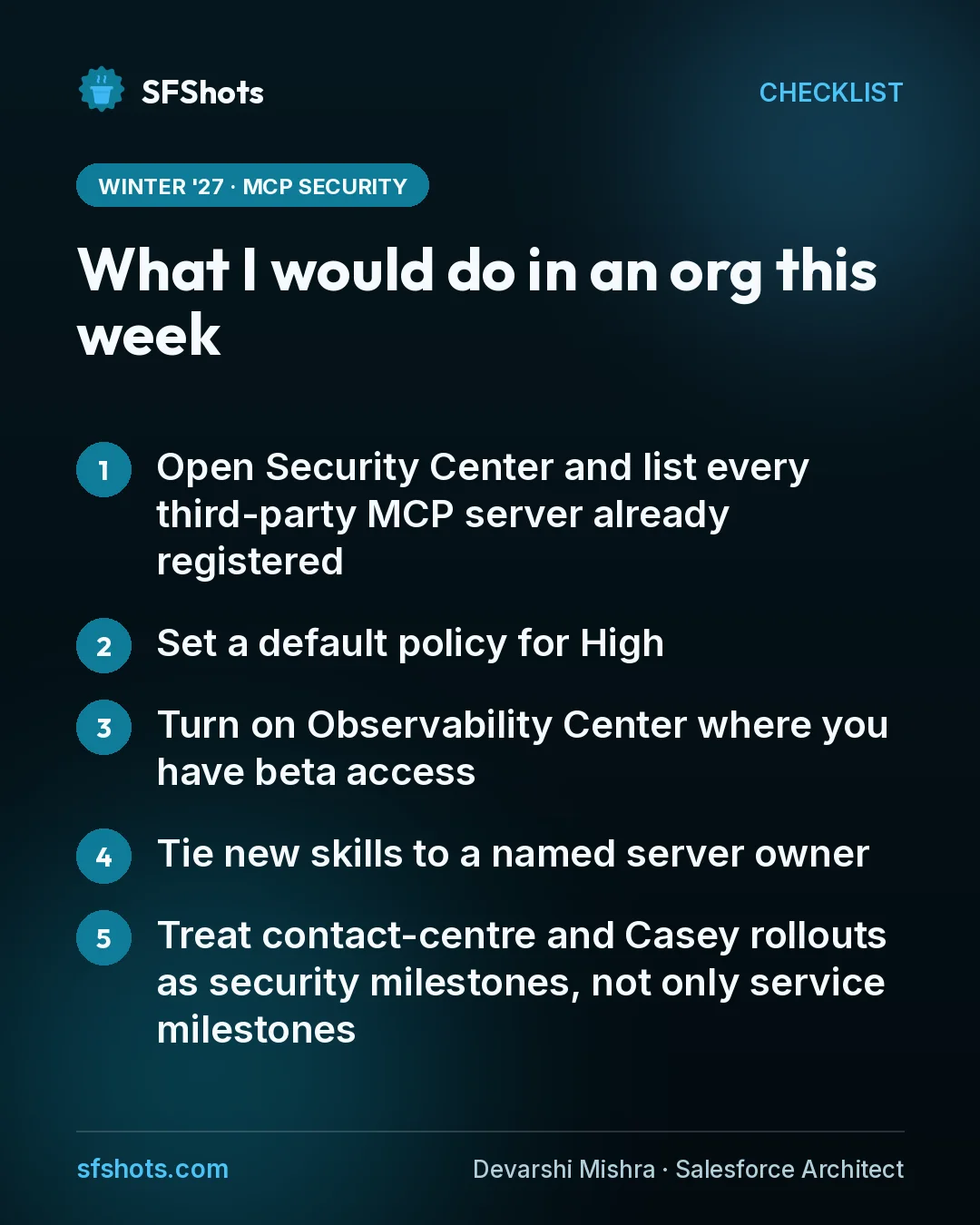
What I would do in an org this week
- Open Security Center and list every third-party MCP server already registered. If the list is empty, good. If it is not, look at the scores before you add anything else.
- Set a default policy for High. Blocking high-risk servers by default is the policy I would defend to a security review. Medium can require an owner and an expiry date. Low can proceed with logging.
- Turn on Observability Center where you have beta access. Session tracing across MCP and API agent traffic is how you prove the policy is working, not just that it exists.
- Tie new skills to a named server owner. Agent Skills and Plugins will make reuse easy. Reuse without ownership is how a risky server spreads from one pilot to every channel.
- Treat contact-centre and Casey rollouts as security milestones, not only service milestones. Europe GA on 16 October and Casey's November self-optimisation both increase how much an agent can change in production. Put the MCP review on the same calendar.
I would also keep an eye on Security Mesh's new DigitSec and WithSecure connectors in Security Center. They pull code scanning, pipeline security and file threat detection into one format. That is not MCP-specific, but it is the same idea: one place to see risk instead of twelve dashboards nobody opens.
The takeaway for CRM and RevOps teams
Winter '27 will tempt teams to ship more agents, more skills and more headless surfaces because the demos are strong. The durable advantage is not speed alone. It is speed with a gate on which external tools your agents are allowed to trust.
If you own CRM or RevOps, put MCP Risk Scores on this week's checklist next to any Agentforce or contact-centre work you already planned. Inventory the servers, block High by default, assign owners for everything that remains, and use Observability Center so a bad tool change shows up as an alert instead of a customer incident. That is unglamorous. It is also how you keep agentic CRM from becoming an unmonitored integration layer.