

Casey can now improve itself. Your team still has to approve every change
Salesforce's fall Service Cloud launches make Casey self-optimizing, with a human approving each change. The hard part is no longer finding what to automate. It is reviewing what the agent proposes fast enough, and with the right owners.
On 13 October Salesforce published its fall round-up of Service Cloud launches. There is a lot in it: the native Contact Center going generally available in Europe on 16 October, Slack swarming for reps, new workforce tools and new Service editions. The line I keep coming back to is a short one about Casey, Salesforce's autonomous help agent. Casey is now self-optimizing, and "a human approves every change."
That sentence is the whole design problem for service teams over the next six months. I want to explain why, and what I would set up before the feature lands.
What Salesforce actually announced
According to the post, new optimization capabilities for Casey arrive in November. They review real conversations and cases handled by agents and human reps. They rank contact reasons by volume and by how ready each one is for automation, and surface the biggest opportunities. Casey then builds and refines for those priorities using your existing case data and flows. Before anything goes live, Casey tests the results against real scenarios, and a human approves every change.
Salesforce's pitch is that teams no longer have to guess what to build next. I believe that part. Most service orgs I work with do not lack ideas for automation. They lack a reliable, ranked list based on real volume. If Casey produces that list from actual case history, it removes weeks of discovery workshops.
The same post covers a few things that feed into this. Customer Signals Intelligence brings live sentiment and AI agent insights into the Command Center, and automated topic clustering ranks your main contact reasons. Service Rep Assistant reads sentiment and case context in real time and adjusts an action plan as the conversation moves. Agentic Slack swarming, in open beta, can spin up a Slack channel, pull in the right experts and share the case context so the rep can stay in the console.
The bottleneck moves to review
Here is my worry. When an agent can find improvement opportunities on its own, the number of proposed changes stops being limited by how many people you have in discovery. It is limited by how many changes your team can review properly.
Salesforce's own security team described the same pattern a day later, in a post about managing agentic security. They wrote that frontier models plus an agentic harness now surface more real findings than engineering can absorb, and that the lifecycle runs at two speeds: machine-speed discovery and human-speed remediation. Their conclusion is that scaling discovery takes compute, but absorbing the output "takes deliberate organizational design, and the second part has to be built on its own."
That is about vulnerabilities, not service flows. But the shape is identical. A self-optimizing Casey is a discovery engine pointed at your contact reasons. If nobody owns the review queue, one of two things happens. Changes pile up unreviewed and the feature delivers nothing. Or someone starts approving in bulk to clear the backlog, and "a human approves every change" quietly turns into a rubber stamp.
What I would set up before November
None of this needs new licences. It needs owners and a process.
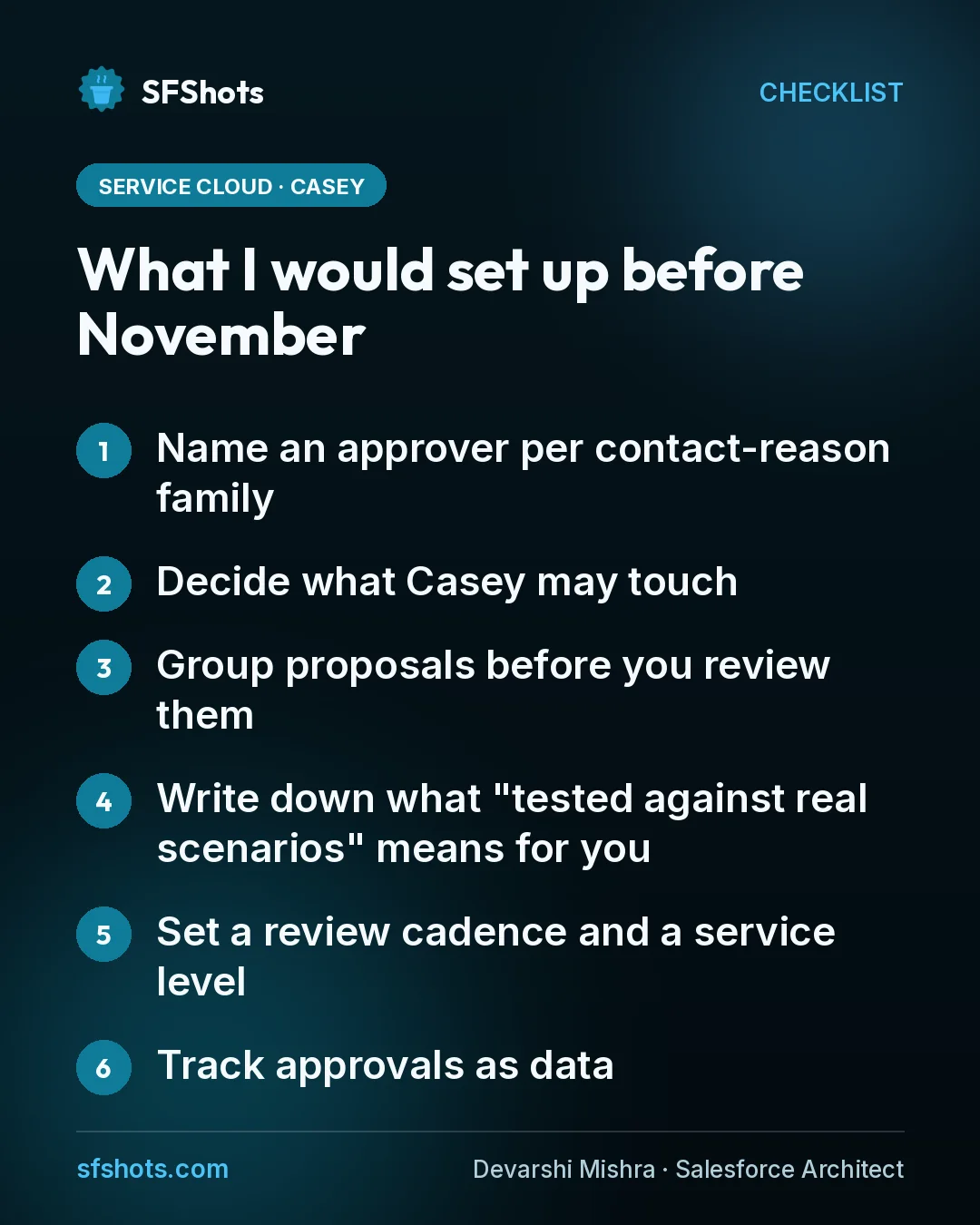
- Name an approver per contact-reason family. Billing, returns, account access and so on. The approver should be the person who would be blamed if the answer were wrong, usually a service ops lead with policy knowledge, not the admin who built the flow.
- Decide what Casey may touch. Casey builds on your existing case data and flows. List which flows are fair game for agent-proposed changes and which are off limits. Anything that issues refunds, changes entitlements or touches identity checks should need a second reviewer.
- Group proposals before you review them. The security post makes a point I would borrow directly: findings cluster around a few shared root causes, so fixing the shared point retires many at once. If ten proposed Casey changes all trace back to one unclear knowledge article or one broken flow, fix that once instead of approving ten patches.
- Write down what "tested against real scenarios" means for you. Casey tests before go-live. Agree which scenarios must pass, including the awkward ones: angry customers, partial refunds, customers in regulated regions. Keep that list in a place the approvers can see.
- Set a review cadence and a service level. A weekly review with a target turnaround keeps the queue small. If proposals regularly wait more than a couple of weeks, that is a staffing signal, not a reason to stop reviewing.
- Track approvals as data. Record who approved what and why. When a resolution rate drops, you want to trace it back to a specific change, not argue about it in a meeting.
A note on the new editions
The post also introduces Core, Advanced and Max editions for Service, with built-in Flex Credits of 500,000, 1 million and 2.75 million respectively. I mention this because a self-optimizing agent that expands what it handles will also change how fast you use those credits. Whoever approves new Casey capabilities should be able to see consumption, so a good automation does not become a budget surprise at quarter end.
The takeaway for CRM and RevOps teams
Self-optimizing agents change the job, not the need for people. Your service team will spend less time finding what to automate and more time judging what the agent proposes. Treat that judgement as real work: give it named owners, a scope, a test list and a weekly slot on the calendar.
If you only do one thing this month, map your top contact reasons to the person who should approve changes for each one. When Casey's optimization features arrive in November, you will have a review queue ready to receive them, instead of a backlog nobody owns.