

HubSpot just put a ceiling on agent spend. Every CRM team needs one, whatever platform it runs
HubSpot turned AI spend caps on by default this week, and ServiceNow announced alert, throttle and block controls for AI costs. The message for Salesforce teams is the same: consumption pricing needs limits, owners and a monthly review before agents scale.
On 15 October HubSpot published a short announcement about AI pricing, and one sentence in it has stayed with me: "An unexpectedly high invoice shouldn't be how a business finds out how much work an agent has taken on."
That is the most honest description I have read of the budget problem every CRM team is walking into. I work on Salesforce, not HubSpot, but the problem does not care which logo is on the contract. Seats are easy to budget. Agent credits are not, because they depend on how much work the agent does. And the whole point of an agent is that it does more work over time.
What HubSpot changed
HubSpot's post lists three groups of changes.
- Spend caps, on by default. HubSpot now sets an account-level credit limit up to 50% above a customer's monthly credits. That leaves headroom for an agent to take on more work, but creates a ceiling if usage spikes. Customers can adjust it.
- Moving money between seats and credits. Customers can swap seats for credits, or for another seat type, themselves, without waiting for renewal. They can also set credit limits at the feature and action level.
- Choice of payment model. Credit packs at a flat monthly rate for predictable spend, or Pay-as-You-Go, which bills usage beyond monthly credits only when the work is done.
HubSpot also says it won't push a customer into a bigger plan just because usage grows, and that customers can cap their marketing contacts tier. It reminds readers that its Customer Agent and Prospecting Agent moved to outcome-based pricing earlier this year.
ServiceNow is saying the same thing
On the same day, ServiceNow announced a set of AI governance features. Most of the attention went to AI Passport, a signed credential that defines what an agent is allowed to do. The cost part is what caught my eye. ServiceNow describes cost governance that tracks spend by user, department and runtime, and "value intelligence" that connects consumption, cost and quality. It also describes AI Cost Management that will alert teams to potential budget overruns, and policy enforcement with alert-to-throttle-to-block responses. ServiceNow expects AI Cost Management in Q4 2026.
When two very different vendors ship spend controls in the same week, I read it as a signal about what customers are asking for. Buyers want to use agents, but they do not want an open-ended bill.
Why this matters for Salesforce teams
Salesforce customers are moving onto consumption too. Salesforce's fall Service Cloud post introduced Core, Advanced and Max editions with built-in Flex Credits: 500,000, 1 million and 2.75 million respectively. Those are generous pools. But in the same post Salesforce describes Casey becoming self-optimizing, finding new contact reasons to automate and building for them, with a human approving each change.
Put those together and you get a familiar pattern. Every approved automation is a good business decision on its own. Added up, they change how fast you burn credits. If nobody is watching consumption next to those approvals, the first sign of trouble is a conversation with your account executive near the end of the quarter.
I am not going to tell you which native consumption controls your Salesforce contract includes, because that varies and I have not checked yours. What I can tell you is what I would put in place regardless of platform.
What I would set up this quarter
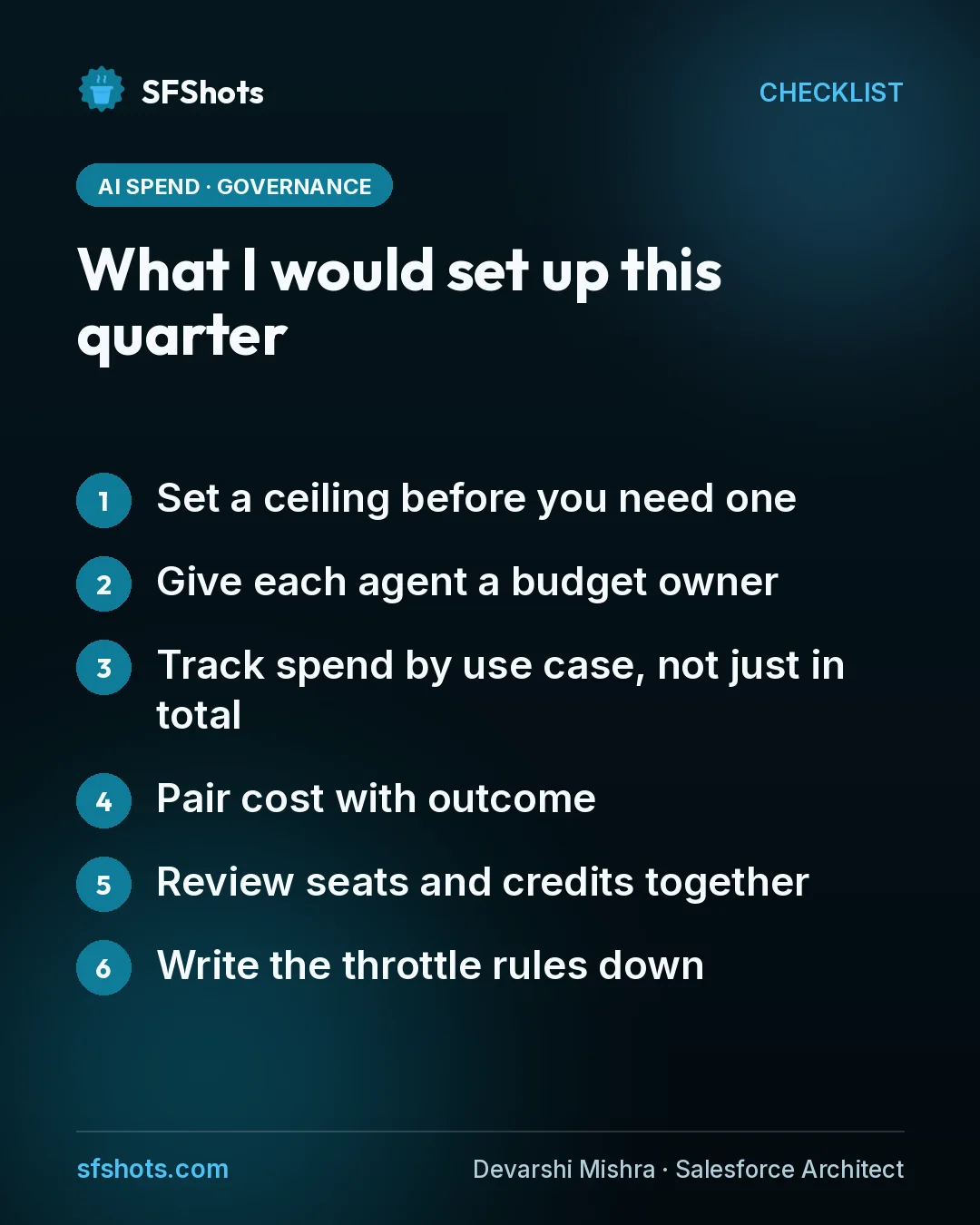
- Set a ceiling before you need one. Agree a monthly consumption limit with finance, with headroom above your expected usage, the way HubSpot's default does. Decide in advance what happens when you hit it: alert only, slow down, or pause non-critical agents.
- Give each agent a budget owner. The person who approves new skills for the service agent should also see what those skills cost. Splitting those two jobs across teams is how surprises happen.
- Track spend by use case, not just in total. One number for "AI" tells you nothing. Break it down by agent and by action, so you can see which jobs earn their keep.
- Pair cost with outcome. ServiceNow's framing is right: consumption only makes sense next to quality and value. For each agent, track one outcome metric, such as cases resolved without a handoff or meetings booked, beside its credit use.
- Review seats and credits together. If agents are taking over work, some seats will go quiet. HubSpot now lets customers swap seats for credits mid-contract. Whatever your platform allows, raise the question before renewal, not at it.
- Write the throttle rules down. If spend runs hot mid-month, which agents get slowed first? Customer-facing service should probably keep running. An internal summarisation job can wait.
The takeaway for CRM and RevOps teams
Agent pricing is becoming a RevOps problem, not just an IT one. The vendors are starting to ship caps and dashboards, which is good. But a cap without an owner is just a surprise that arrives later.
This month, put three things on one page for every agent you run or plan to run: who owns it, what it is allowed to spend, and what outcome justifies that spend. If you cannot fill in all three, that agent is not ready to scale yet.
Sources
- HubSpot: HubSpot gives customers more control of their AI spend with new spend caps, seat-to-credit swaps, and flex payment options
- ServiceNow Newsroom: ServiceNow advances its operational harness for enterprise AI with AI Passport and expanded governance capabilities
- Salesforce Blog: What's New in Service Cloud: 10 Launches That Help Resolve Customer Service Cases Faster