

HubSpot now sorts every ticket by topic with AI. Fix your contact reasons before you judge your service agent
HubSpot's new Topics feature uses AI to classify tickets and conversations and report help desk and AI agent performance by topic. Salesforce teams can get the same view, but only if their contact reasons are clean, and that is the work to do before anyone decides whether a service agent is working.
Ask a service leader whether their AI agent is working and you will usually get a deflection rate. Ask which kinds of questions it handles well and which it fumbles, and the room goes quiet. In most Salesforce orgs I have seen, the honest answer is that nobody knows, because the Case Reason picklist is half empty and the other half says "Other".
That is why a fairly small HubSpot update caught my eye this week.
What HubSpot shipped
HubSpot's Topics feature uses AI to classify recurring themes across tickets and conversations automatically. According to HubSpot's knowledge base, you can then analyze trends and team performance by topic in both the help desk and the Customer Agent workspace, and coach the AI agent on specific topic areas. Orange Marketing's weekly HubSpot recap on 19 October summed up the pitch: no manual tagging and no setup.
A few details are worth noting:
- It needs Service Hub Professional or Enterprise, and HubSpot says Topics is currently unavailable for sensitive data accounts because of extra legal, compliance and AI-processing requirements.
- It starts with default topic areas, such as Billing & Payments, Account, Access & Permissions, Bug Report and Cancellation Request, and you can add your own topics and subtopics.
- Reps can manually change a ticket's primary topic. Each ticket counts once under its primary topic in default reports, while an "All topics mentioned" property lets custom reports count one ticket under several topics.
- In the help desk view, topics sit next to ticket count, CX Score, QA score and time-to-close SLA adherence. In the Customer Agent view, you can open coaching opportunities for a topic and change the agent's knowledge, actions or handoff guidelines.
- Some records get no topic, for example tickets with no conversation, automated messages, or accounts that hit their monthly processing limit.
The idea I like here is simple: you judge an AI agent topic by topic, not with one overall number.
Salesforce already has the pieces, if your data is clean
Salesforce customers are not starting from zero. The Service Intelligence Cases dashboard shows costly contact reasons alongside time to close, first contact resolution and CSAT by channel. And Salesforce's own Casey roadmap, announced on 13 October, says its upcoming optimization features will rank contact reasons by volume and automation readiness.
All of that depends on cases carrying a reliable reason. Salesforce published a help article in July on classifying cases with AI, and its opening point is blunt: "case hygiene is a prerequisite." It also says that keeping "a limited, relevant set of classification options is key to achieving good results."
The article lays out four options, and the trade-offs are useful for planning:
- Einstein predictive case classification. Trained on your history, included in Service Cloud with no per-case credit cost. Salesforce recommends at least 1,000 cases in the last six months, ideally 10,000.
- A record-triggered flow calling a prompt template. The LLM returns structured JSON that Apex parses and the flow writes back. This consumes Flex Credits per call. Salesforce advises keeping the taxonomy in custom metadata rather than hardcoding it in the prompt, adding label descriptions, using a guard condition so it doesn't re-run, and not treating the model's confidence score as a hard threshold.
- A majority vote over similar past cases using a Data Cloud search index, with no LLM involved. It is deterministic, but only as good as the labels on your historical cases.
- A custom model in Data Cloud AI Model Builder. The most control, and in Salesforce's own words, significant data engineering effort.
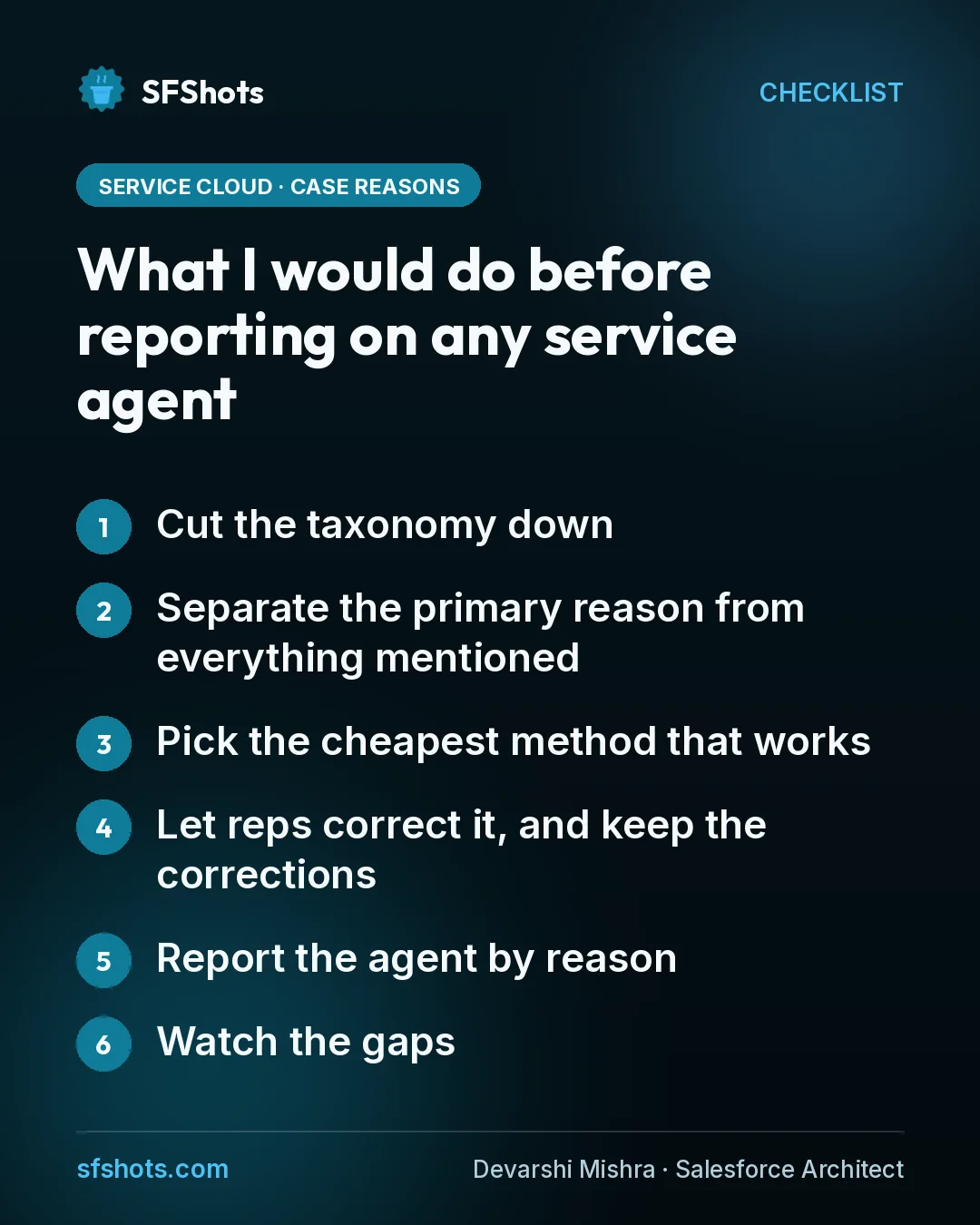
What I would do before reporting on any service agent
This is the order I would follow on a Salesforce project.
- Cut the taxonomy down. Merge near-duplicates, retire values nobody uses and write a one-line description for every reason that remains. Those descriptions do double duty as documentation and as prompt input.
- Separate the primary reason from everything mentioned. HubSpot's split between primary topic and all topics mentioned is a good model. Use one field for why the customer got in touch and a multi-select or related record for everything else, so reports don't double count.
- Pick the cheapest method that works. If you have years of well-labelled cases, start with predictive classification before paying for an LLM call on every case.
- Let reps correct it, and keep the corrections. A human override is your accuracy check. Track how often reps change the AI's choice, by reason.
- Report the agent by reason. Containment, escalation and CSAT for each contact reason will tell you where the agent is ready and where it should hand off early.
- Watch the gaps. Count cases with no reason or "Other" every week. A growing bucket means the taxonomy no longer matches what customers ask about.
The takeaway for CRM and service operations teams
AI agents need to be measured against the work they are actually given, and the contact reason is how you describe that work. HubSpot is making topic tagging automatic, and Salesforce gives you several ways to do the same. Whatever your platform, clean up and describe your reasons first, decide how they get filled in, and only then decide whether your service agent is doing its job. A single deflection number can hide a great billing bot sitting next to a terrible cancellations bot.
Sources
- HubSpot Knowledge Base: Use topics to analyze customer interactions
- Orange Marketing: HubSpot Updates - Monday Recap - October 19, 2026
- Salesforce Help: Case Classification with AI: Options and Key Considerations
- Salesforce Help: Service Intelligence Cases Dashboard
- Salesforce Blog: What's New in Service Cloud: 10 Launches That Help Resolve Customer Service Cases Faster