

Slack CRM now turns your calls into Salesforce tasks. Decide what counts as a task before your reports fill up
Slack's latest feature drop has Slack CRM write an AI call summary after external meetings and convert the action items straight into Salesforce tasks. That saves admin time, but it also means software is now writing your activity data. Here's how I'd define a task, an owner and a review step before it does.
Every sales team I've worked with has the same quiet problem with tasks. Half the follow-ups from a call never get logged, and the other half get logged as "Follow up" with no due date. Then managers build activity reports on top of it.
Slack is now offering to fix the first half of that problem with AI. Small Business Trends covered it on 24 October: Slack CRM now generates meeting notes and action items after a call and turns them into Salesforce tasks. I like the idea. I also think it's the moment to decide what a task actually means in your org, because from now on software will be writing some of them.
What Slack shipped
The details are on Slack's What's New page, in the September updates. Three items matter for CRM teams.
- Meeting insights and Salesforce tasks. Upcoming external meetings show up on the Slack CRM Agenda and on the record's activity timeline. After the call, Slack generates an AI call summary with action items, and "those action items convert straight into Salesforce tasks, no manual write-up required." For now it works with Google Calendar.
- Slackbot in Lightning. Slackbot now opens as a chat panel next to a Salesforce record, so a manager can flag deals that have gone quiet or a service agent can pull shipping status on a delayed order without leaving the page. Slack says it's included in Business+ and Enterprise+, and available to everyone else through Flex Credits.
- Slack Lists in the Slack MCP Server. AI assistants like Claude can now create, read, update and delete Slack Lists and records through the MCP Server, alongside the existing search, messaging and canvas tools.
Small Business Trends adds that the CRM features are for Business+ and Enterprise+ plans, and that availability can depend on your workspace's plan.
Who this is for
Slack CRM is the small-business CRM that lives inside Slack. Slack's help article says it relies on Salesforce Free Edition: when you set it up, your customer data goes into a new Salesforce Free Edition org. A Workspace Owner can set it up for up to 100 members. Slack's April launch post says it's included in Business+ at no extra cost, and that emails and calendar events already sync to records automatically.
So the task feature lands first with small teams. But the pattern is bigger than Slack CRM. Meeting tools, Slackbot inside Lightning and MCP-connected assistants are all moving towards the same thing: the conversation writes the record.
Why I'd slow down for one hour first
An AI that turns a call into tasks will do exactly what it's built to do. It will find action items, and a 30-minute call can easily produce five or six: "send the deck", "check pricing with finance", "loop in legal", "they'll get back to us". Not all of those are tasks. Some are notes. Some belong to the customer, not to you. Some are already covered by an opportunity next step.
If every one becomes a Salesforce task, three things happen.
First, your activity reports change overnight. Task counts per rep go up, and nobody can tell whether that is more work or more extraction. If you compensate or coach on activity volume, that's a real problem.
Second, ownership gets fuzzy. A task needs an owner and a due date to be useful. If the AI assigns everything to the meeting organiser with no date, you've moved the clutter from people's heads into the task list.
Third, you lose the ability to compare. Before the change, a task meant a human chose to log it. After it, a task might mean a model heard something. Unless you can tell the two apart, your trend lines break at the switch-on date.
None of this is a reason to keep the feature off. It is a reason to write down your rules before you switch it on.
What a good AI-written task looks like
Here is the definition I'd use. An AI-written task is worth keeping if it has:
- one clear owner on your side,
- a due date, even an approximate one,
- a link to the right account, contact or opportunity,
- wording a teammate could act on without listening to the call.
Anything else is a note, and notes belong in the call summary, not the task list.
I'd also want a way to tell AI-created tasks apart in reports, whether that's a field, a task type or the created-by user. I haven't seen the exact fields this feature writes in Slack's material, so test it on a few real calls before you build reports on it. And I'd keep a human in the loop at the start. Slack's own help article notes that Slackbot always asks for approval before it changes your Sales Tracker pipeline. That's the right instinct for tasks too: let reps confirm or delete the suggested ones for the first few weeks, and see how many survive.
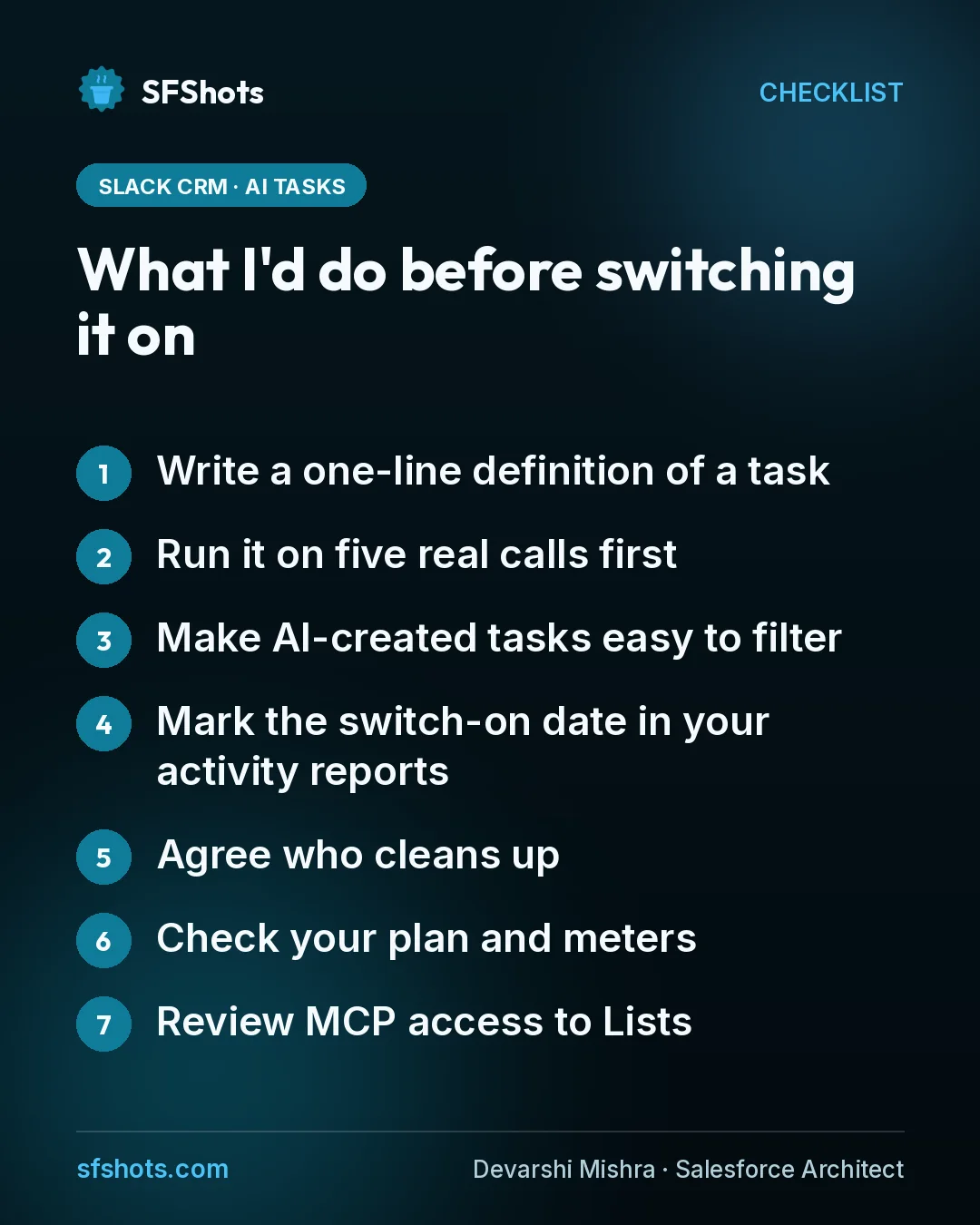
What I'd do before switching it on
- Write a one-line definition of a task. Owner, due date, linked record, actionable wording. Everything else is a note.
- Run it on five real calls first. Compare the AI's tasks with what the rep would have logged, and check the record each one lands on.
- Make AI-created tasks easy to filter. Use a field, task type or the created-by user so reports can separate them.
- Mark the switch-on date in your activity reports. Annotate dashboards so nobody reads the jump as a productivity gain.
- Agree who cleans up. Decide who closes or deletes stale AI tasks, and how often.
- Check your plan and meters. Confirm which features your Slack plan includes, and whether Slackbot in Lightning would draw on Flex Credits for your users.
- Review MCP access to Lists. If assistants like Claude connect through the Slack MCP Server, decide which Lists they may edit or delete.
The takeaway for CRM and RevOps teams
Slack turning call notes into Salesforce tasks is the kind of AI feature I want: small, useful and aimed at the admin work reps hate. But it changes who writes your activity data, and activity data feeds coaching, forecasting and sometimes pay. Define what a task is, make AI tasks visible in reports, and keep a person confirming them until you trust the output. Then let it save everyone the write-up.
Sources
- Slack: What's New, Slack Feature Drop (September 2026 updates)
- Small Business Trends: Slack Introduces AI-Powered Features for Seamless Collaboration and CRM (24 Oct 2026)
- Slack Help Center: Set up and manage Slack CRM
- Slack Blog: Introducing Slack CRM: Conversational Customer Management for Small Businesses (9 Apr 2026)