

Data 360 Zero Copy v2 for Snowflake is GA. Decide who in Snowflake can see your Salesforce data
On 30 October Salesforce made the Zero Copy Data Sharing v2 connector for Snowflake generally available, putting Data 360 objects into Snowflake as native Iceberg-backed tables. Before your data team mounts a share, here's who I'd decide gets to read it, copy it and point an agent at it.
On 30 October, Salesforce made the Zero Copy Data Sharing v2 connector for Snowflake generally available. Data 360 objects now show up inside a customer's Snowflake account as native Apache Iceberg-backed tables. Your data team can query them with standard SQL and use Streams and Dynamic Tables for near real-time change capture, without building an ETL pipeline. Authentication uses OpenID Connect (OIDC).
Salesforce says more than 1,000 joint customers already run workloads across the two platforms with native Zero Copy, with 71 trillion rows connected. So this isn't a niche feature. It's how a lot of Salesforce customer data is about to reach the data warehouse, and from there, the agents built on top of it.
I like the design. No pipeline to babysit is a real win. But I work on integrations every day, and the question I always ask about a new data path is the same: once the data lands on the other side, whose rules apply?
What shipped, and what's still preview
From Salesforce's post on 30 October:
- Generally available: the Zero Copy Data Sharing v2 connector, and Data 360 Private Connect Multicloud for Snowflake on Azure. The second one lets Data 360 on AWS connect privately to Snowflake on Azure without traffic crossing the public internet.
- Public preview: expanded Zero Copy with Horizon Catalog, and Snowflake Cortex Agents.
- Preview or roadmap: Salesforce and Informatica MCP servers in Snowflake Cortex. Tableau semantic views for Snowflake are planned for GA in early 2027.
There's also a migration point. ForceNotes, which tracks Salesforce release notes, lists 31 October 2026 as the date by which existing data shares on the legacy Snowflake target had to move to the v2 target. Snowflake's own docs confirm that existing shares aren't migrated automatically. If you had a legacy share, check its status this week.
Why "zero copy" doesn't mean "same permissions"
This is the part I'd want every Salesforce admin to read in the Snowflake documentation before anyone clicks Save.
When you create a Data Share in Data 360, there's a Provide consent checkbox. Per Snowflake's setup guide, checking it allows "admins or privileged users in the receiving Snowflake account to view and query all records" of the data lake objects mapped to the data model objects in the share.
All records. Your Salesforce sharing rules, role hierarchy and record-level visibility don't travel with the share. On the Snowflake side, access is governed by Snowflake roles and privileges: who has USAGE on the connector, who can create the catalog-linked database, and who can query the views inside it.
Two more details from the docs matter here:
- A share can become a real copy. Snowflake's docs show how to use CREATE TABLE AS SELECT to snapshot a Salesforce object, such as Account, into a native Snowflake table for dashboards or ML models. That's useful. It also means "zero copy" lasts only until someone runs one statement.
- Mounting is easy by design. In Snowsight there's a "Mount all data shares" button, and the SQL docs mark mounting all shares as the recommended option.
Then add agents. Cortex Agents are in public preview, and Salesforce describes new MCP servers that will let Snowflake and Salesforce agents reach shared enterprise context. An agent in Snowflake that reads your Salesforce data reads it with Snowflake permissions, not Salesforce ones.
None of this is a flaw. It's simply how sharing between two platforms works. But it means the governance decision moves to the moment you build the share.
How I'd set it up
Decide which objects go in each share. A Data Share defines exactly which Data 360 objects Snowflake can see. I'd build small, purpose-named shares, one for marketing analytics and one for service reporting, instead of one share with everything.
Name an owner on both sides. Creating shares needs the Data Cloud Architect permission set in Salesforce. Mounting needs USAGE on the connector and CREATE DATABASE in Snowflake. I'd write down which person holds each of those and review it every quarter.
Treat the consent checkbox as a sign-off. Before anyone ticks it, the data owner should agree in writing which Snowflake roles will be able to read the share.
Mount by name, not "all". Mounting all shares is convenient. Mounting a named share with SHARE_NAME means a new share added later doesn't appear in an existing database without a decision.
Have a rule for snapshots. If teams create native tables from shared views, those tables need their own owner and retention rule.
Keep consent attached. Snowflake's docs say data shares automatically include the IndividualGDPRState__dll object, so consent can be honoured at the target using the Individual ID. I'd make joining on it a standard for anything that uses personal data.
Register agents before they read. If Cortex Agents or MCP servers will use the share, list them, their role and their purpose before the preview turns into production.
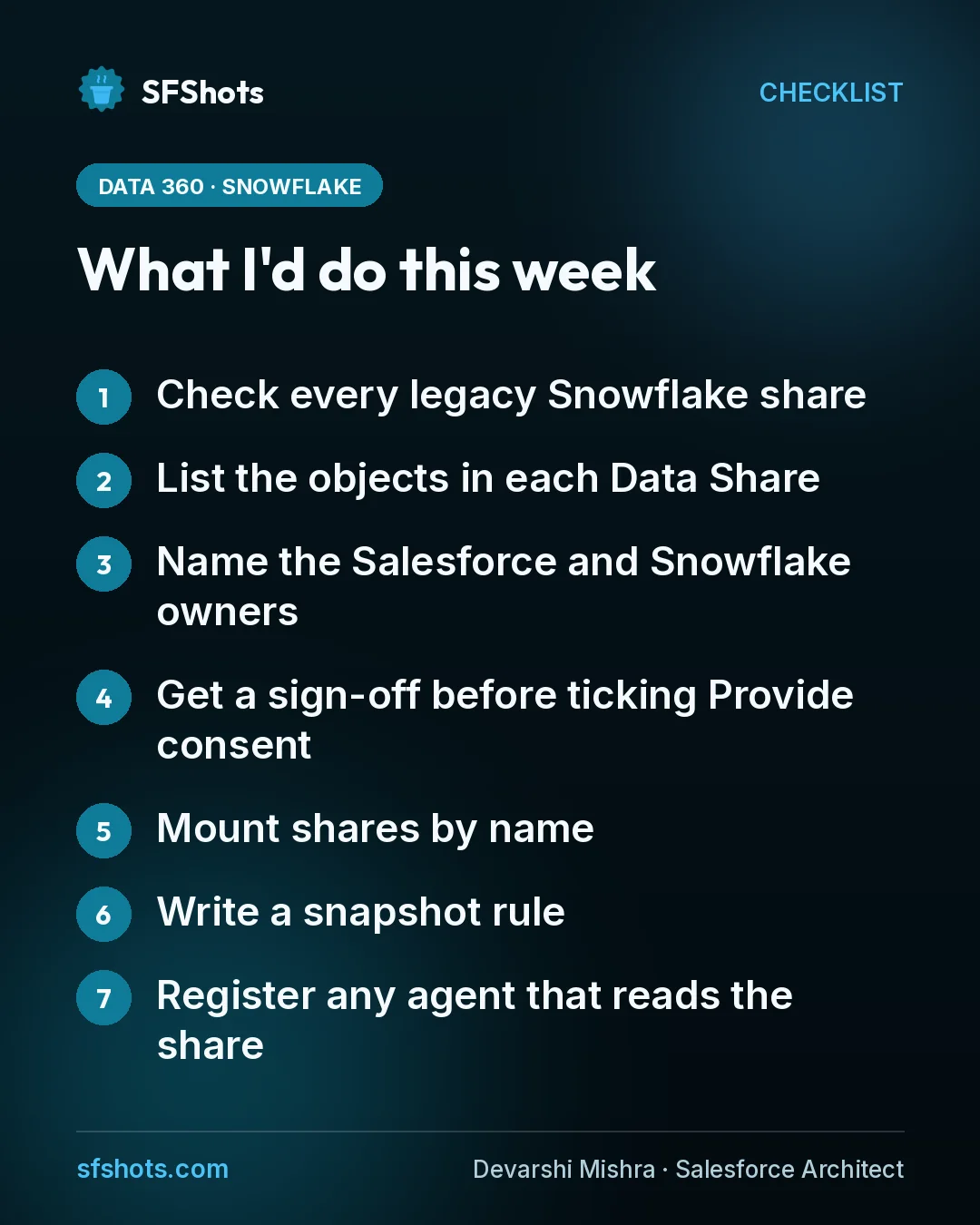
What I'd do this week
- Check every legacy Snowflake share. Confirm it's moved to the v2 target.
- List the objects in each Data Share. Split anything that mixes teams.
- Name the Salesforce and Snowflake owners. Cover the share, the connector and the database.
- Get a sign-off before ticking Provide consent. Name the roles that will read it.
- Mount shares by name. Avoid mounting all shares by default.
- Write a snapshot rule. Give every CTAS copy an owner and a retention date.
- Register any agent that reads the share. Record its role and purpose.
The takeaway
For CRM and RevOps teams, Zero Copy v2 makes Salesforce data much easier to use in the warehouse, and that's good news for reporting and for AI. But the moment the data is shared, Snowflake's roles decide who sees it, not your Salesforce sharing model. Make the share small, name the owners and agree who can read it before the first agent does. That's a one-hour conversation now, and a much longer one after an audit.
Sources
- Salesforce Blog: Data 360 × Snowflake: Powering the Agentic Enterprise with Zero Copy (30 Oct 2026)
- Snowflake Documentation: Set up Salesforce Data Cloud for Zero-Copy
- Snowflake Documentation: Explore data products from Salesforce Data Cloud
- Snowflake Documentation: Salesforce Data Cloud Zerocopy Connector: Security and privileges
- Snowflake Documentation: Migrate from the legacy Snowflake data share target
- ForceNotes: Legacy Snowflake Data Share Target Retirement — Migrate to Snowflake Zero-Copy V2