

Builder Central beta: decide who can build apps and agents from a prompt
On 5 November Salesforce Admins introduced Builder Central (beta) — a plain-language hub that builds and deploys apps and agents through Lifecycle Center from ephemeral preview orgs. Here's the access and review rules I'd write before the beta turns your backlog into prompt-built metadata.
On Wednesday, 5 November, Salesforce Admins published Builder Central in beta. It's a no-code hub where you describe an app or an agent in plain language, watch it build, test in an ephemeral preview org, and deploy through Lifecycle Center. Daivat Dholakia's post frames it as the answer to an admin backlog that Setup menus and separate builders can't keep up with.
That's the news. The decision is who gets to type those prompts — and what must stop for human review before anything reaches production.
What Salesforce actually announced
Here's what the Admins post says:
- What Builder Central is. A no-code experience that lets you build and deploy apps and agents using plain language. One hub for work that today jumps between Setup and multiple builders. It already knows your existing Salesforce orgs, business context and configuration. Solutions it creates are tailored to that org. New apps and agents inherit your existing security and permissions.
- How it differs from Setup with Agentforce. Setup with Agentforce is for direct admin tasks — tell it to create a field and it makes that change in the org. Builder Central is for complex building: full data models, flows and agents.
- How it speeds work. Create conversationally (plain language, with clarifying questions before it builds). Build visually. Deploy through Lifecycle Center so the work follows your deployment pipeline.
- What it does not replace. Flow Builder, Lightning App Builder and Agentforce Builder stay. Builder Central creates and connects agents, Lightning pages and flows; after you deploy into a sandbox you can open those tools and edit the artifacts.
- Security model. Two complementary checks: Interactive Metadata Visualizations (real-time diagrams of data model, agents, flows, Lightning pages, permission sets and more) and Ephemeral Preview Orgs (a temporary clone of your sandbox). Nothing touches sandbox or production until you explicitly publish.
- The example. A customer service portal that used to take a sprint can move from idea to a working app in an afternoon.
- How to start the beta. Grant the "Access Builder Central" user permission, enable the beta feature, and activate the Metadata Experts MCP Server in Setup. Salesforce recommends a Developer or Developer Pro sandbox.
Same day, Salesforce also introduced Quick Pages (beta) — users build single-page apps from natural language, with separate Create/View Quick Pages permission sets, and pages are read-only in beta. That's adjacent governance pressure, not today's topic. Keep those permission sets separate from Builder Central access.
What changes for architects
Builder Central collapses three things that used to sit in different places: the request, the build, and the deploy path. The product inherits org permissions, which is good. It does not invent your access policy, your review gates, or who owns the metadata it generates.
Three shifts matter more than the afternoon-vs-sprint story:
Prompt becomes a build ticket. Anyone with Access Builder Central can describe an app or agent and get metadata back. If that permission sits on the whole admin group, you've opened a second intake channel next to your existing change process — and the second one ships faster.
Preview orgs are not a review process. Ephemeral Preview Orgs let people test layout and behaviour against real configuration without touching sandbox or prod. Useful. They don't decide whether the generated objects, flows and agents match your naming standards, sharing model or agent action policy. That still needs a human stop before publish.
Generated metadata needs an owner. Builder Central will create and connect agents, Lightning pages and flows. Someone has to own those artifacts after the afternoon of building is over — who retires a bad flow, who answers why that custom object exists, who maps the agent actions.
The decision: write the access rules before the backlog becomes prompts
The beta start steps are clear: Access Builder Central, enable the feature, turn on Metadata Experts MCP, prefer a Developer or Developer Pro sandbox. What's not written for you is the operating model around those switches.
Before I grant the permission widely I'd lock five things: a named pilot (not every System Administrator), Developer or Developer Pro only for week one, Metadata Experts MCP only where that pilot can use it, a Lifecycle Center stop for new objects/agents/permission changes with Interactive Metadata Visualization as a required gate, and a named owner for generated metadata — "the person who typed the prompt" is not ownership once they rotate off. Add a one-pager so people don't confuse Builder Central with Setup with Agentforce or the classic builders.
What I'd do this week
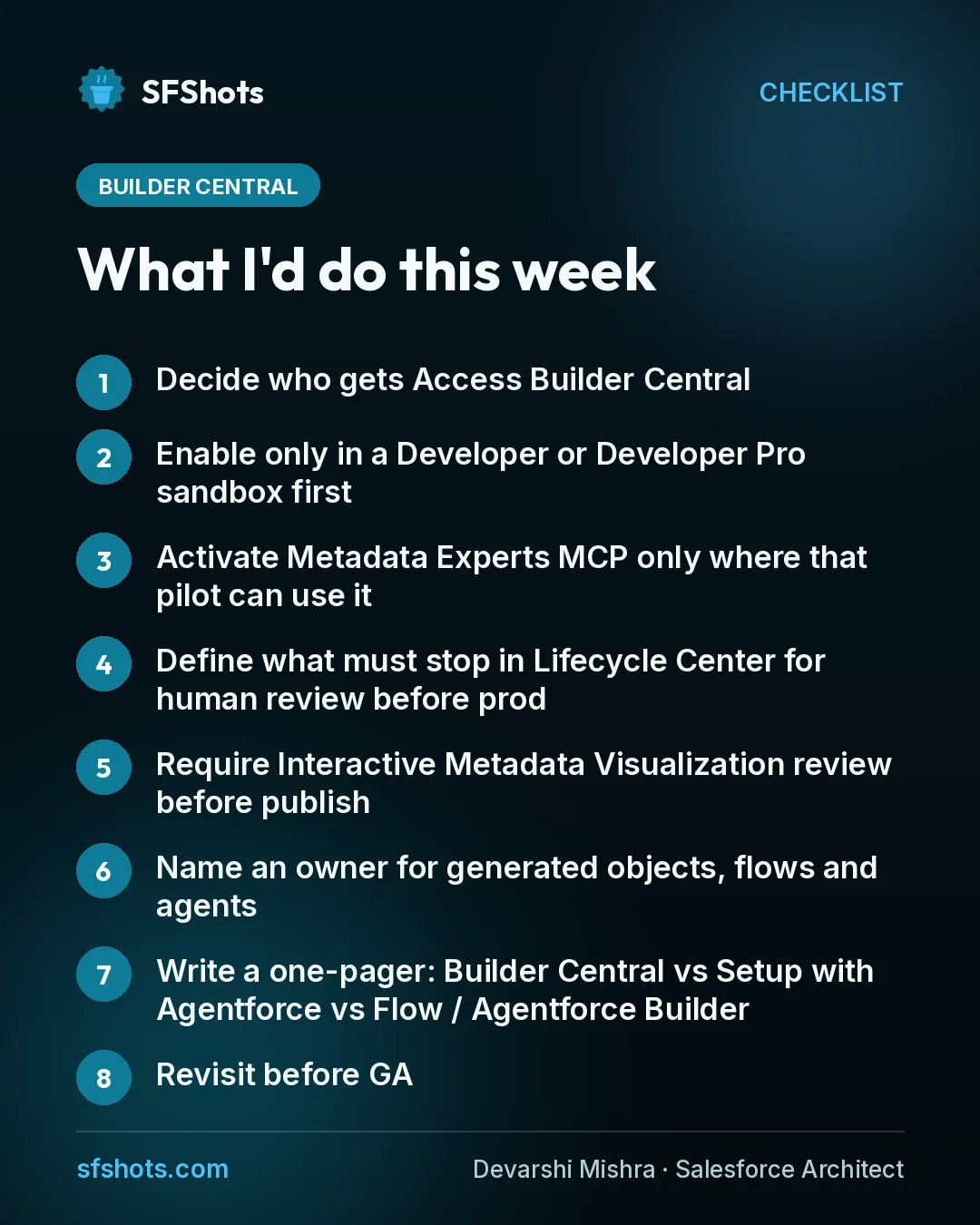
- Decide who gets Access Builder Central. Named pilot, not the whole admin group.
- Enable only in a Developer or Developer Pro sandbox first. Keep shared UAT and prod out of the first week.
- Activate Metadata Experts MCP only where that pilot can use it. Same access decision as the permission.
- Define what must stop in Lifecycle Center for human review before prod. New objects, agents, permission changes at minimum.
- Require Interactive Metadata Visualization review before publish. Make it a gate for the pilot, not a nice-to-have.
- Name an owner for generated objects, flows and agents. One person who can answer "why does this exist?"
- Write a one-pager: Builder Central vs Setup with Agentforce vs Flow / Agentforce Builder. So people pick the right surface.
- Revisit before GA. Beta packaging and permissions can change; don't freeze the operating model on day one.
The takeaway
For CRM and RevOps teams, Builder Central is the moment plain-language prompts can produce production-shaped apps and agents through your existing Lifecycle Center path. The product already inherits org security and permissions, and ephemeral preview orgs keep experiments off sandbox and prod until you publish. What it doesn't invent for you is who may prompt, which sandbox is in scope, what must stop for review, and who owns the metadata afterward. Write those rules before the beta turns your backlog into prompt-built apps nobody reviewed. That's a short policy now — and a much harder cleanup once unowned objects and agents are already in the release train.